Here's What's New in Precision Bridge v10.3
Version 10.3 of the Precision Bridge data migration and management platform has landed, and it brings a smarter AI Assistant, a rebuilt Connection Explorer, and a set of workflow upgrades designed to help you move faster from design through to execution.
AI Assistant
The chat has grown into a real assistant: it answers product questions from the Precision Bridge documentation, and when you attach a connection it inspects that schema and queries your actual data. It can also update connection settings, create projects and link connections — each gated behind an explicit approval — with a Queries panel to reuse what it ran and open results in the Explorer.
Rebuilt Connection Explorer
Connection pages are restructured around a tabbed explorer — a navigator plus table, record and relationship workspaces — with saved views, clearer flagging of unusable tables, and multi-column sorting on extracts (databases, CSV and API tables).
Write SQL Against Any Connection
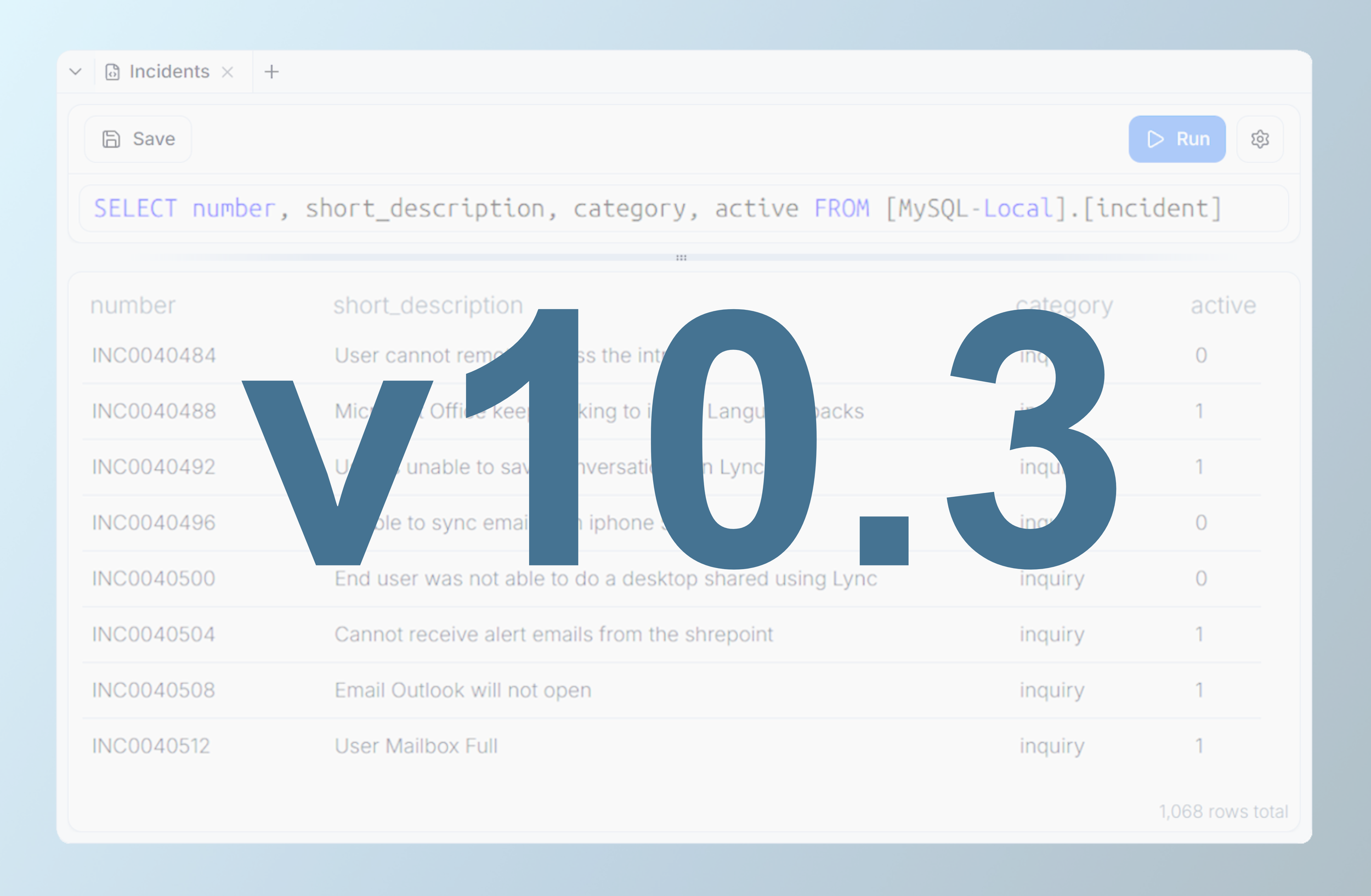
A new free-form, read-only SQL workspace in the Connection Explorer: one canonical syntax regardless of the underlying database engine, multi-table joins, saved queries, a "Select Top 1000" quick peek, and a built-in help dialog with syntax reference and worked examples.
Copy and Paste Your Work
Procedures, steps, field mappings, lookups and table correlations can now be copied and pasted within a procedure, across procedures, or into a different project, via a visible multi-item clipboard shared across the session.
Export Project Documentation
Export field mappings, table correlations and steps as an Excel workbook or CSV, for a whole project or a single procedure — ready for design review, sign-off or handover without opening every step.
Field Mappings
Filter and search the field mappings table, see read-only and display-value target fields marked at a glance, and populate Match Mappings by importing values from a spreadsheet instead of typing them.
Visual Execution Reports
Migration run results now include charts alongside the numbers, so you can see outcomes at a glance.
Built for Volume
The database adaptor is optimised for high-volume migrations with tunable insert/update batch sizes, and page loads across the app are noticeably quicker.
More Power in Scripts and Outputs
Steps can write files as their target (artifact generators), Run Script gains simple read/write artifact helpers and procedure-level shared artifacts, and there's a new replace_many formula function.
Contact us today to book your demo of Precision Bridge v10.3 - click here.