Announcing the Latest Release of Precision Bridge: v10.2
Big news - the latest release of the Precision Bridge data migration and management platform, v10.2, is here, and it's one of our most exciting releases yet. This update brings AI assistance right into the heart of your migration projects, plus a powerful new way to preview migrations before they run and also navigate your connections data with ease.
AI Assistant Features
For the first time, you can connect your own AI provider, whether it's OpenAI, Anthropic, Google Gemini, or Moonshot, with the Precision Bridge platform. Choose your model, securely store your API key, and confirm it's working with a single click. AI features stay off until you switch them on, so it's entirely up to you.
Once connected, a whole new layer of intelligent support opens up:
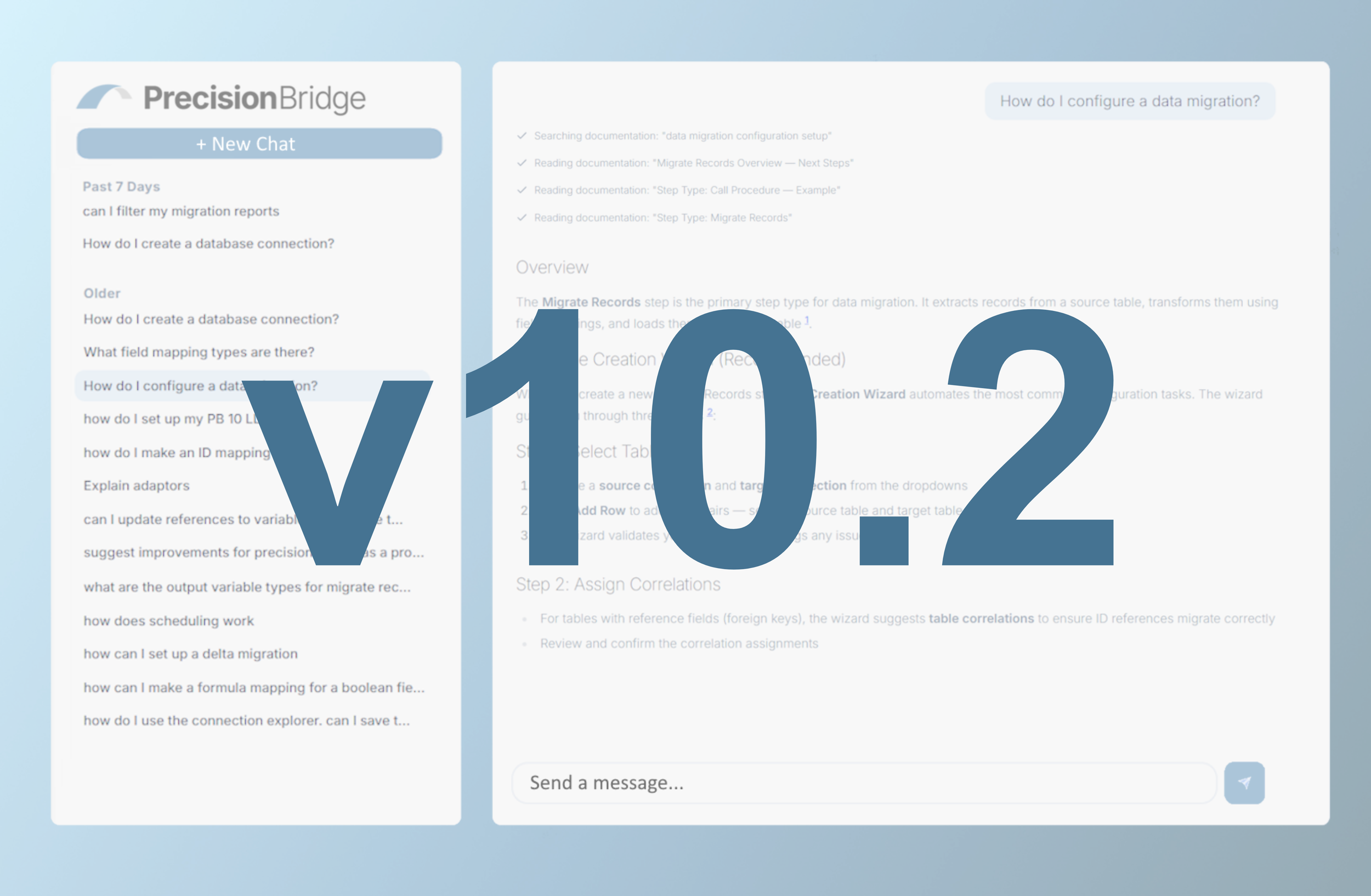
An AI chat assistant on hand to answer your questions, with guidance drawn straight from the Precision Bridge platform documentation. Conversations are saved and grouped by recency, so you can pick up right where you left off.
Formula assistance that generates and explains formula expressions from a simple, plain-language prompt - right inside the formula editor.
Query assistance that builds filter queries for you, with no manual configuration required.
Migration Preview
The new Preview tab on the Migrate Records step lets you safely trial a sample of your source records - with zero data written to the target system. See exactly what would happen to each record - create, update, skip, or error - along with attachment outcomes and validation results, all before you commit.
Want more detail? Open any record for a full breakdown of the source data, how every target field was calculated, attachment handling, and validation results. You can even preview a single field mapping on its own to confirm a formula or lookup is working exactly as intended.
Connection Explorer
Additional functions have been added to the connection explorer including:
Saved Views: save, bookmark, and share links to your most-used table queries.
Table relationships diagram: explore how your tables connect with an interactive entity-relationship diagram.
And there's more to come - a video walkthrough of some of the new 10.2 features is landing soon, so keep an eye out.
Contact us today to book your demo of Precision Bridge v10.2 - click here.